
Insta Pro APK Download 2026 Latest Features & Android Guide
Explore a complete Android guide to Insta Pro APK, including media downloads, privacy tools, customization, installation, updates, safety, troubleshooting and detailed support articles.
✓ Privacy Explained
✓ Updated Help
✓ Step by Step Guides

What Is Insta Pro APK?
Insta Pro APK is a third party modified Instagram client for Android. It is commonly discussed by users who want more control over media, privacy and interface behavior than they find in the official app. Many builds keep the familiar feed, Stories, Reels, profiles and messaging layout while adding extra controls such as downloads, Ghost Mode, read receipt options, themes, app lock and quick actions.
The word Pro does not mean the app is an official premium plan from Instagram or Meta. It is simply a label used for modified builds. That distinction matters because the trust model is different. The official Instagram app comes through a managed store path and official developer support, while Insta Pro style apps are installed manually through an APK package and can vary from one release to another. Also see this: Download GB WhatsApp
This homepage is built to give you the broad picture first and then send you to a focused guide when you want more depth. If you are just starting, the detailed What Is Insta Pro APK guide is the best place to understand how these builds work, what changes between versions and which trade offs come with a third party app.
| App Name | Insta Pro APK / InstaPro |
|---|---|
| Application Type | Third party modified Instagram client |
| Main Platform | Android |
| Common User Interest | Media saving, privacy tools, app lock, themes and convenience controls |
| Installation Method | Manual APK installation outside Google Play |
| Root Access | Often not required, depending on the build |
| Official Status | Not affiliated with or distributed by Instagram or Meta |
Why Android Users Search for Insta Pro APK
Most users do not search for Insta Pro just because they want a different app name. They usually have a specific goal. Some want to save Reels, Stories or photos directly to local storage. Others want more visible privacy controls around story viewing, message status or typing indicators. Many users also enjoy customization, app locks, profile picture tools and quick shortcuts that reduce repeated taps.
Competitor homepages in this niche usually revolve around the same core areas: media features, privacy features and customization. That structure makes sense because those are the three reasons people return to the topic again and again. Someone comparing Insta Pro APK features is rarely looking for Android package history. They want to know what changes in everyday use and whether those changes are worth the trade off.
The key trade off is simple: more visible controls can mean more uncertainty. A modified app can be more flexible, but it also depends on third party distribution, manual updates and version compatibility. This site keeps both sides in view so users can make a practical decision rather than following hype alone.
Main Insta Pro APK Features
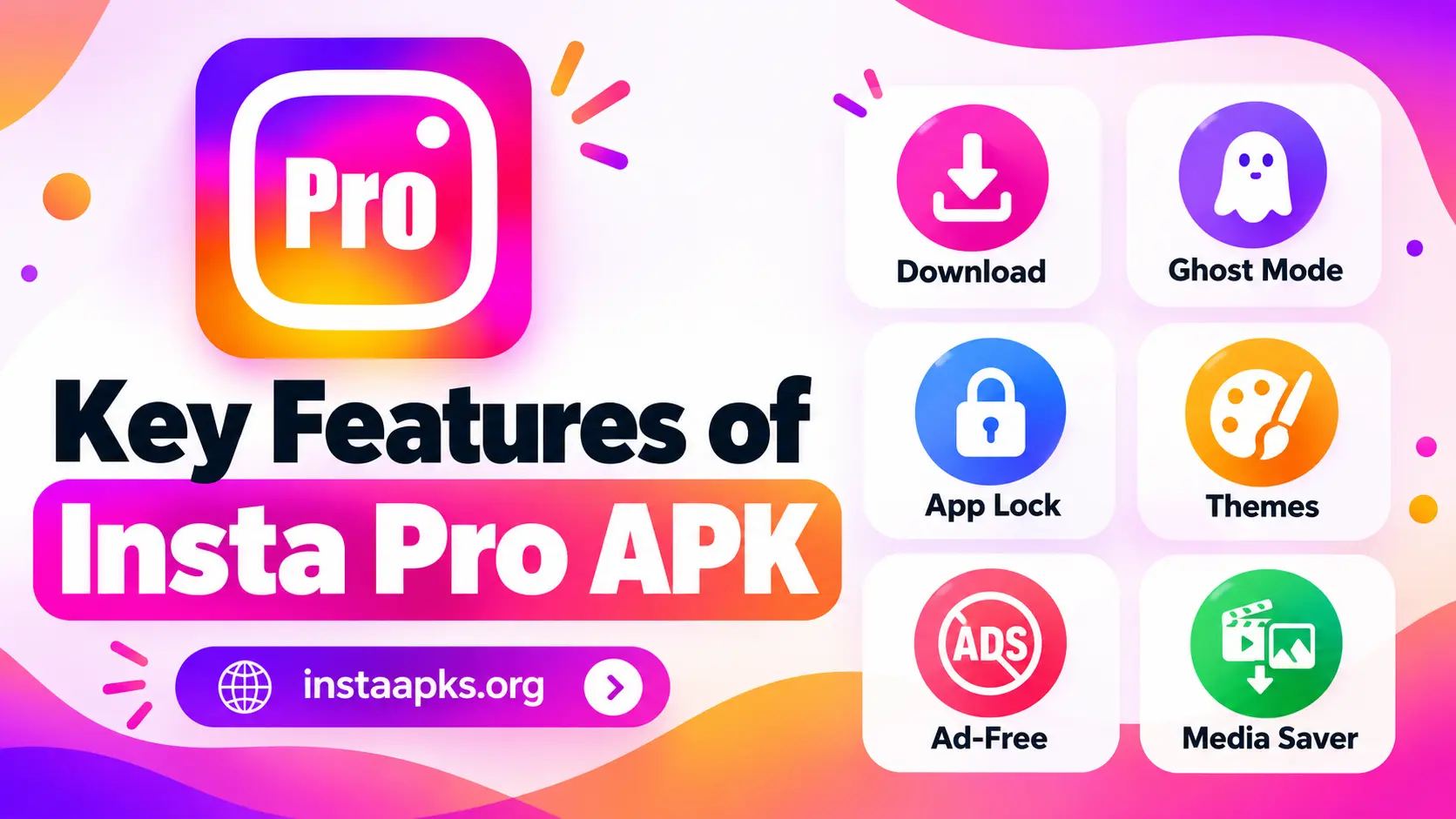
Feature availability varies by build, but these are the tools users most often look for when comparing Insta Pro with the official app. The design below uses the same color family as your logo so the homepage feels more alive than a plain white layout.
Photo Downloads
Save supported photos directly to your Android device without using a separate downloader.
Reel Downloads
Download supported Reels for offline access when the feature is present in the build.
Story Saving
Keep supported Stories for personal reference while respecting privacy and creator rights.
Ghost Mode
Access privacy oriented controls that may affect story viewing or other visible activity.
Hide Read Receipts
Use message related privacy controls that can reduce visible read status in some builds.
Hide Typing Status
Limit or adjust typing indicators where the build provides the option.
App Lock
Protect the app with a PIN or biometric lock in supported versions.
Custom Themes
Change colors, appearance and sometimes icons to personalize the app interface.
Anti Delete Tools
Some versions can preserve or flag selected content that a sender later removes.
HD Media Preview
Open supported profile or post media in a clearer larger view.
In App Translation
Translate captions or supported text inside the app instead of switching apps.
Quick Shortcuts
Use extra long press, copy, open and save actions to reduce repetitive taps.
For a deeper explanation of how these options work in daily use, read the full Insta Pro APK features guide.
Download and Install Insta Pro APK
Manual APK installation is easy when you understand the process, but it should not be rushed. The smart approach is to check compatibility first, verify the file you downloaded, grant temporary install permission to the app that opened it and review permissions before signing into an important account.
Safe Download Preparation
- Check your Android version before downloading.
- Make sure enough free storage is available for the APK and downloaded media.
- Keep account recovery details current.
- Do not disable Android protections permanently just to install one file.
- Use a reliable connection so the APK finishes downloading correctly.
Installation in Simple Steps
- Open the downloaded APK.
- Allow your browser or file manager to install unknown apps if Android asks.
- Read the install prompt carefully instead of tapping through automatically.
- Open the app and review permissions on first launch.
- Test the features you care about most before treating the setup as final.
Use our download guide if you are not sure how to prepare the file, and our installation guide for a full step by step setup walkthrough.
Android Requirements and Compatibility
There is no single requirement that fits every Insta Pro build forever. Modified apps change over time, and some competitors list one set of specifications as if it applies to every release. A more useful approach is to explain what users should check before installing any APK.
| Requirement | What to Check | Why It Matters |
|---|---|---|
| Android Version | Compare your phone’s Android release with the build requirement | An APK targeting a newer Android version may refuse to install |
| Storage | Leave room for installation, cache and downloaded media | Low storage can break installs and media saving |
| Package Signature | Check whether a current app uses a different signature | Signature conflicts can trigger “App not installed” |
| Network | Use a stable connection for download and login | Interrupted downloads can corrupt the file |
| Permissions | Review media, camera, microphone and notification access | Features can fail without correct access, while too much access raises risk |
Insta Pro APK vs Official Instagram

The most honest comparison is official support versus extra controls. The official app provides a stable store update path and the lowest uncertainty. Insta Pro style apps often provide more visible tools for downloads, privacy and customization, but they introduce manual updates and a higher need for caution.
| Area | Official Instagram | Insta Pro Style APK |
|---|---|---|
| Official Support | Yes | No official Meta support |
| Play Store Updates | Yes | Usually no |
| Media Saving | Limited to official supported options | Often a key selling point |
| Ghost Mode | Not a standard official feature | Commonly advertised in modded builds |
| Customization | Limited appearance changes | Themes, fonts and visual controls in some versions |
| Account Risk | Lower | Potentially higher because the client is unofficial |
Our Insta Pro vs official Instagram comparison goes much deeper if you are deciding which experience fits your needs.
Safety, Permissions and Account Risk
One of the biggest mistakes on low quality competitor pages is treating safety as a one line promise. A third party APK cannot honestly be described as permanently safe in every version. Package trust, permissions, account alerts and update behavior all matter. The same app name can even appear on different packages.
Practical safety means doing basic checks before and after installation. Look at what the app requests, what it does on first launch, whether it shows unusual pop ups and whether your account reports unexpected activity. Grant only the permissions that match the features you actually use. If your account is important for work or long term content, the official app remains the lower risk choice.
For a full discussion, read Is Insta Pro APK safe? and compare your own risk tolerance with the convenience you expect from extra features.
Common Problems and Quick Fixes
| Problem | Likely Cause | What to Try |
|---|---|---|
| App Not Installed | Conflicting package, bad signature, low storage or unsupported Android version | Check package conflicts, free space and compatibility |
| Parse Error | Corrupted download or newer APK than your phone supports | Download again after confirming compatibility |
| Crash on Launch | Incompatible build or damaged cache | Restart the phone, clear cache and compare builds |
| Login Loop | Authentication problem or outdated components | Check network, date/time and test the account in official Instagram |
| Downloads Not Saving | Permission, storage path or Android storage rule changes | Review media access and free storage |
| Late Notifications | Battery optimization or missing notification permission | Check app specific battery and notification settings |
If you want problem by problem troubleshooting, open the full Insta Pro not working guide.
Pros and Cons
Possible Advantages
- Direct media saving in supported builds
- More visible privacy controls
- Themes and interface customization
- Built in app lock in some versions
- Quick shortcuts that reduce repeated actions
- Potential productivity features such as translation or multiple account controls
Important Drawbacks
- Not an official Instagram or Meta application
- Manual installation outside Google Play
- Updates can be less predictable
- Some features can stop working after service changes
- Trust depends on the exact package you install
- Potentially higher account and compatibility risk
Insta Pro APK Alternatives
This section is styled more clearly so it does not look like plain text. Alternatives matter because not every user needs a fully modified social client. Sometimes the official app or another workflow solves the same problem with less complexity.
Official Instagram
The safest baseline for support, predictable updates and lower uncertainty. Best for business, creator or important personal accounts.
Instagram Web
A lighter option for browsing and messaging without installing another Android package. Useful when you want less device level complexity.
Other Specialized Tools
If your only goal is media saving or another one feature task, a smaller workflow may be easier to evaluate than replacing the whole social client.
Our comparison guide and safety articles can help you decide which route fits your situation best.
instaapks.org/ Topic Hub
This section is designed like a clean resource hub instead of a plain list. Use it to jump directly to the exact topic you need.
Featured Articles
Only the linked support articles requested for this homepage are included below.
What Is Insta Pro APK? Complete Android Guide
Understand the basics of Insta Pro APK, how modified Instagram clients work and what Android users should know before installing one.
Insta Pro APK Features: Media, Privacy and More
A full guide to the most popular Insta Pro features, from media saving and privacy tools to themes and productivity options.
How to Download Insta Pro APK on Android
Safe download preparation, compatibility checks and best practices before you tap install on an APK file.
How to Install Insta Pro APK Safely on Android
A practical Android installation guide for users who want a smooth setup and fewer package problems.
Is Insta Pro APK Safe? Risks and Safety Tips
A realistic safety guide covering permissions, account protection, updates and warning signs.
Insta Pro APK Not Working? Common Fixes
Troubleshoot the installation and runtime problems Android users see most often.
Insta Pro APK vs Official Instagram: Key Differences
A clear comparison between the official Instagram app and third party modified clients.
How to Update Insta Pro APK Without Losing Data
Learn a safer update routine, especially when versions or signatures do not match.
Insta Pro APK for PC: What You Need to Know
A PC-focused guide for users who want to understand APK use in Android emulators or desktop Android environments.
Frequently Asked Questions
These common questions use accordion style blocks for a cleaner reading experience.
What is Insta Pro APK?
Insta Pro APK is a third party modified Instagram client for Android that adds extra tools such as media saving, privacy options and customization features.
Why do people use Insta Pro?
Most users look for direct media saving, Ghost Mode, read receipt controls, themes and other convenience tools not usually available in the official app.
Is Insta Pro APK safe?
No third party APK can honestly be called completely risk free. Users should review permissions, account risk, update behavior and the source of the file.
Can I install Insta Pro with official Instagram?
That depends on the package name and signature. Some builds can coexist, while others conflict with an existing installation.
Can Insta Pro download Reels and Stories?
Many builds advertise direct media saving for supported Reels, stories and photos, although the exact feature set varies by version.
Can I update Insta Pro without losing data?
Sometimes yes, but signature changes may force a clean reinstall. Back up local data first.
Does Insta Pro work on PC?
APK files normally need an Android environment or emulator on Windows. The official web app is simpler for basic PC use.
Where can I learn more?
Use the linked guides on InstaAPKS.org for features, download, installation, safety, updates and troubleshooting.